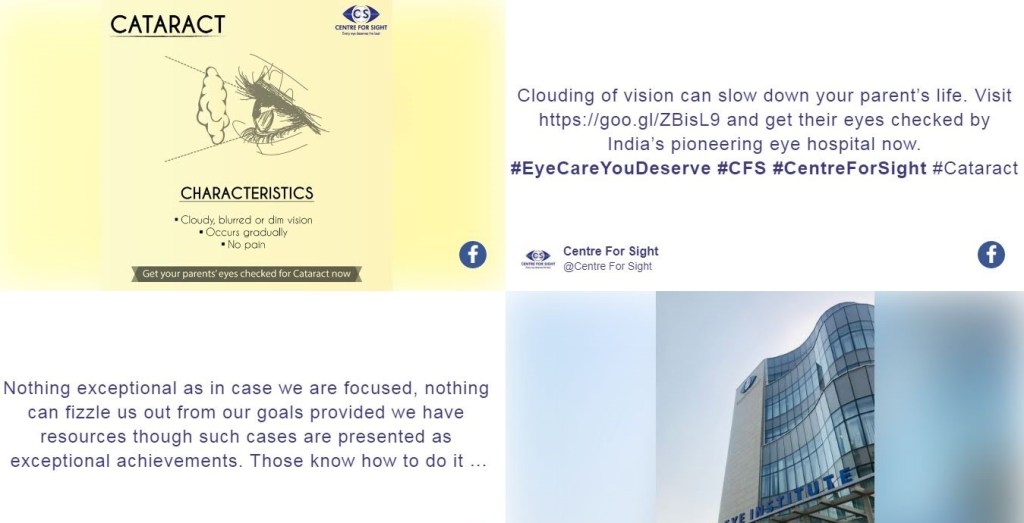
Events aren’t just about what happens on stage anymore—they’re about what people share in the moment. Guests want to post, react, and be part of the buzz. That’s where a Facebook Wall comes in. By pulling live posts, photos, and comments onto a big screen or website, it turns ordinary events into interactive experiences. If you want engagement and reach, the right Facebook Social Wall tool can make all the difference.
What is a Facebook Wall at Event?
A Facebook Wall or FB Wall is a live digital display of Facebook content. It collects posts, comments, and images shared around your event—usually through hashtags, mentions, or page feeds—and showcases them in real time. Think of it as your Facebook feed brought to life on giant screens, giving every attendee a chance to shine. It’s more than just a display; it’s a way to turn your audience into active participants.
9 Best Tools for Creating Facebook Wall at Events
If you’re looking to set up the Facebook Wall at your next event, here are nine tools that can help. Each one has its own strengths, so you can pick the one that best fits your goals.
1. Social Walls
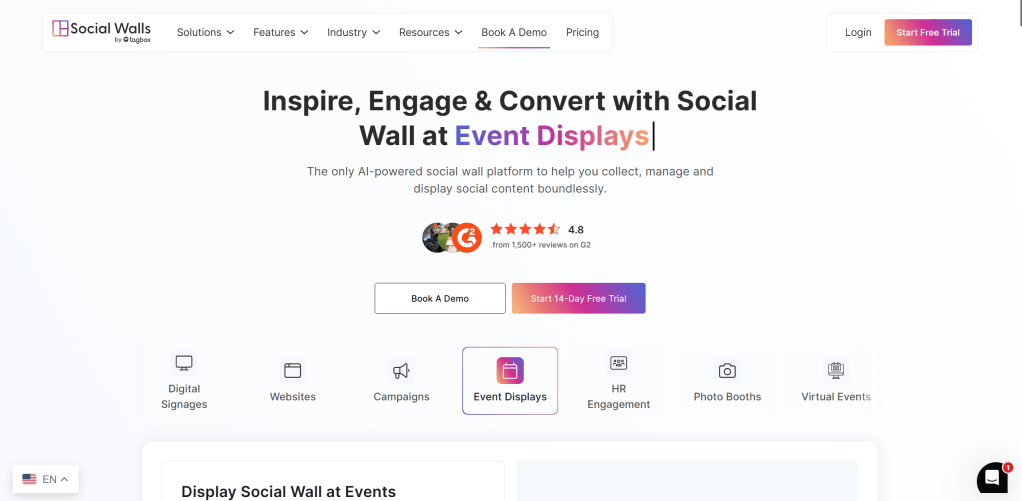
Social Walls is an all-in-one platform built for creating engaging Facebook Walls with minimal effort. It not only pulls in live content from Facebook and other platforms but also offers unique features to make events more interactive.
Features:
- Real-time content aggregation from Facebook
- Branding customization with logos, themes, and colors
- Content moderation for filtering posts
- Multi-platform support (Instagram, Twitter, YouTube, etc.)
- SnapUp feature, allows guests to upload photos directly to the wall without social media
- Photo Booth feature which lets attendees click fun, branded photos and display them instantly
- Spotlight feature highlight specific posts, sponsors, or VIP content on the wall
Benefits:
- Keeps audiences actively engaged throughout the event
- Encourages participation even from guests who don’t want to post publicly on social media
- Adds entertainment value with interactive features
- Helps brands and sponsors stand out with spotlighted content
Best For: Perfect for all the organizers of large scale events, conferences, weddings, concerts, small gatherings, and virtual events who want an all-in-one, highly interactive solution.
Try For Free
2. Tagbox
Tagbox is a popular social wall Facebook platform known for its professional layouts and deep customization. It’s widely used by brands and agencies that want data-driven results.
Features:
- Customizable themes and layouts
- Analytics dashboard to track engagement
- Sponsor integration features
Benefits:
- Professional look and feel
- Provides insights you can actually act on
- Helps add real ROI to sponsors
Best For: Brands and agencies that care as much about design and analytics as they do about engagement.
3. Walls io
Walls io is sleek and quick to set up. Its mobile-friendly layouts make it a strong choice for events with hybrid audiences.
Features:
- Ready-to-use templates
- Multi-language support
- Responsive layouts
Benefits:
- Looks polished across all devices
- Simple setup, even for beginners
- Good balance of design and functionality
Best For: Event planners who need a plug-and-play tool with a modern look.
4. Everwall
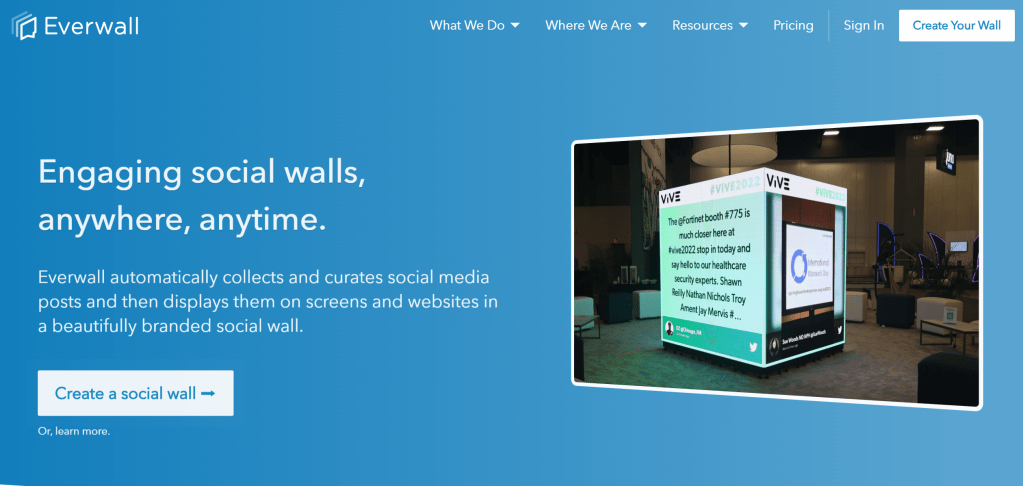
Everwall is built for scale. From large conferences to sporting events, it’s made to handle high traffic without glitches.
Features:
- Real-time streaming at scale
- Strong moderation controls
- Detailed reporting
Benefits:
- Handles huge volumes of posts with ease
- Keeps your wall clean and professional
- Lets you show sponsors hard numbers
Best For: Organizers of large events who can’t afford downtime.
5. Tint
Tint doesn’t stop at live walls—it also helps brands reuse event content across campaigns. Great if you want to extend the life of your FB Wall content.
Features:
- UGC aggregation from multiple networks
- Rights management tools
- Marketing integrations
Benefits:
- Provides authentic visuals for ads and promotions
- Cuts down on content creation costs
- Strengthens brand storytelling long after the event
Best For: Marketing teams who want live engagement today and campaign assets tomorrow.
6. Onstipe
Onstipe is known for being straightforward and budget-friendly. It’s especially useful for small and mid-sized events.
Features:
- Collects hashtag-based posts
- Custom branding options
- Content moderation
Benefits:
- Easy for anyone to use
- Affordable pricing
- Quick setup for smaller events
Best For: Organizers who want value for money without unnecessary extras.
7. Curator io
Curator io is lightweight and developer-friendly. It’s simple, but very flexible if you want to embed social walls into websites.
Features:
- Embed-ready code snippets
- Custom CSS styling
- Filtering rules
Benefits:
- Highly customizable
- Plays well with websites
- Doesn’t overwhelm with features
Best For: Tech-savvy teams or developers who want more control over design.
8. Flockler
Flockler helps brands showcase social proof by automatically pulling in user-generated content. Its clean layouts are perfect for highlighting trust.
Features:
- Pre-built layouts
- Automated content feeds
- GDPR-compliant moderation
Benefits:
- Highlights authentic customer voices
- Low maintenance once set up
- Great for brand reputation building
Best For: Businesses and brands that want to focus on social proof.
9. Juicer
Juicer keeps things simple. It aggregates posts into a clean, minimal wall that works well for small events and websites.
Features:
- Drag-and-drop setup
- Hashtag and page feed collection
- Mobile-friendly designs
Benefits:
- Fast and easy setup
- Minimalistic and clutter-free
- Good option for tighter budgets
Best For: Small businesses and casual event organizers who just need something quick and reliable.
Conclusion
A Facebook Wall can turn any event into a buzzing, interactive experience. Whether you’re hosting a wedding, a corporate conference, or a concert, these tools make it easy to bring your audience’s voices into the spotlight. From powerful all-in-one solutions like Social Walls to simple plug-and-play tools like Juicer, there’s an option for every organizer. If event engagement and reach are your goals, setting up a Facebook Social Wall is one of the smartest moves you can make.
FAQs
- Can I run a Facebook Wall without a big budget?
Yes, tools like Onstipe and Juicer offer affordable plans, making FB Walls accessible even for smaller events. - Do Facebook Walls work only at physical events?
No, you can embed a social wall Facebook feed into websites or virtual platforms, so they work great for hybrid and online events too. - Can I control what content shows up on the wall?
Yes, almost every tool offers moderation so you can filter posts before they go live.
 Social Media Wall
Leave a comment