
Websites aren’t judged the way they used to be. A few years ago, a clean layout and strong copy were enough. Now, visitors look for signals that a website is active, trusted, and used by real people. You can feel it when a site looks good but somehow feels empty. No movement. No proof. No life.
That’s usually where a social media aggregator tool makes the difference.
I’ve worked with websites where adding a live social feed quietly improved engagement without changing anything else. Same design. Same content. But suddenly visitors stayed longer, scrolled further, and trusted what they were seeing. Not because the brand said something — but because other people did.
What Is a Social Media Aggregator Tool
A social media aggregator tool pulls content from different social platforms and displays it in one place on your website.
Not screenshots.
Not manual embeds.
Live content.
That content can come from:
- hashtags
- brand mentions
- profile feeds
- reviews
- user-generated content
A simple social media aggregator example:
A SaaS company embeds tweets from real users on its homepage. Those tweets update automatically as customers post. No manual curation every week. No designer involved.
For websites, this usually means:
- a scrolling feed
- a grid or masonry layout
- or a curated social gallery embedded via code
Some tools lean more toward websites. Others are better known as walls for events. A few overlap with AI social wall tools, where automation helps filter or prioritize content.
Why Website Owners Are Using Social Media Aggregation Tools Now
The biggest reason isn’t design. It’s hesitation. People hesitate before trusting a website. And that hesitation gets stronger when:
- brand is new
- price is high
- product needs explaining
A good aggregation setup helps reduce that hesitation.
What I’ve seen actually work
Social proof without effort
Instead of testimonials written by the brand, visitors see content written by users.
Freshness
Websites feel abandoned when content hasn’t changed in months. Social feeds update naturally.
Less pressure on marketing teams
You don’t need constant new creatives just to keep pages alive.
Subtle SEO signals
When done correctly, aggregated content supports crawl freshness and engagement metrics.
Where things go wrong
This matters.
- Tools that slow down page speed
- Feeds that show irrelevant or embarrassing posts
- Platforms that require constant babysitting
- Free plans that display heavy branding
Choosing the wrong social aggregator tool can hurt trust instead of building it.
What to Look for Before You Commit
Before looking at tools, be honest about this:
- Do you want activity or aesthetics?
- Is this a homepage feature or a supporting section?
- Will someone actually moderate it daily?
- Do you care more about Instagram, reviews, or multi-platform feeds?
Top Social Media Aggregator Tools for Websites
Before jumping in, one quick reality check:
No tool is “best” in isolation. A social media aggregator tool that works beautifully on a content-heavy homepage might feel bloated on a landing page, while a lightweight option can collapse under traffic.
These first five tools are the ones I’ve personally seen survive long-term use on websites — not just look good on day one.
1. Taggbox
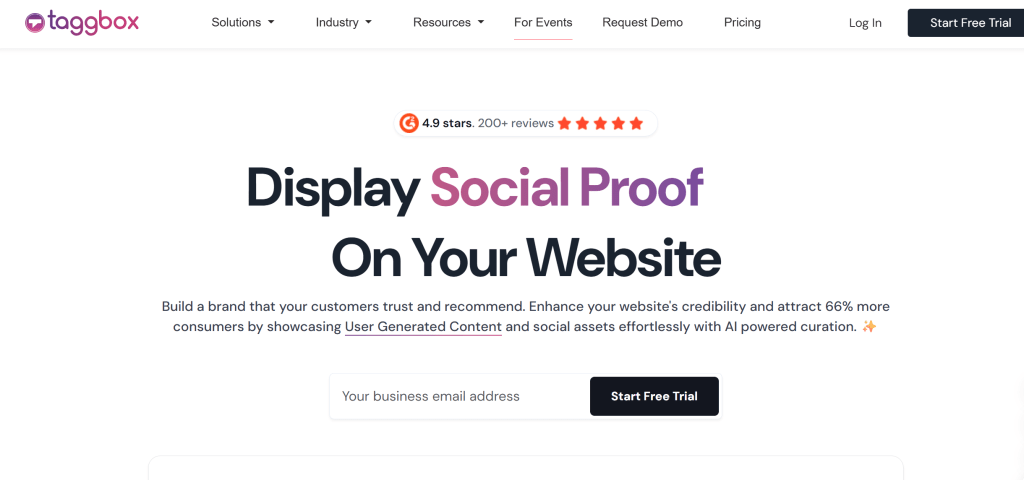
Taggbox works best when you want your social feed to feel like a natural extension of your website — not a widget dropped in as an afterthought.
What I’ve noticed is that it balances flexibility with control. You can use it as a clean social media aggregator tool for websites, or lean into campaign-style social proof without overwhelming your layout. It’s especially useful when teams want social content to support conversions instead of just filling space.
For brands focused on performance, Taggbox doesn’t just display content — it helps structure it in a way that feels intentional.
Key features
- Aggregates content from Instagram, Facebook, X, YouTube, LinkedIn, and review platforms
- Advanced moderation with rule-based filters
- Multiple responsive layouts optimized for websites
- Custom CSS and branding controls
- API access for deeper integrations
Where friction shows up
Advanced customization can require some setup time if you’re aligning tightly with brand guidelines.
Best fit
Businesses that want a scalable social media aggregation tool that blends visual appeal with strong moderation and website performance support — especially for homepages, landing pages, and conversion-focused sections.
If you’re looking for a best social media aggregator tool to embed social feeds on your website, Taggbox is worth exploring. Try For Free
2. Social Walls

Social Walls by Taggbox fits naturally when you need a social media hashtag aggregator tool that works well on websites and still holds up under real traffic. I’ve mostly seen it used on homepages and campaign landing pages where brands want fresh social proof without redesigning sections every few weeks.
What helps is control. Moderation is strong, layouts are website-friendly, and for teams experimenting with AI social wall tools, it offers automation support without removing human oversight. It’s also a GDPR-compliant tool, which matters more than people admit when embedding live user content on public websites.
Key features
- Aggregates content from Instagram, Facebook, X, YouTube, Google Reviews, and more
- Smart moderation with manual and automated filters
- Website-optimized layouts with responsive embeds
- Fully GDPR compliant for safe content display
Where friction shows up
Design fine-tuning can take time if you’re picky about branding consistency.
Best fit
Brands and businesses that want a reliable, compliant social media aggregation tool for high-visibility website sections where trust and freshness matter.
3. Tagembed
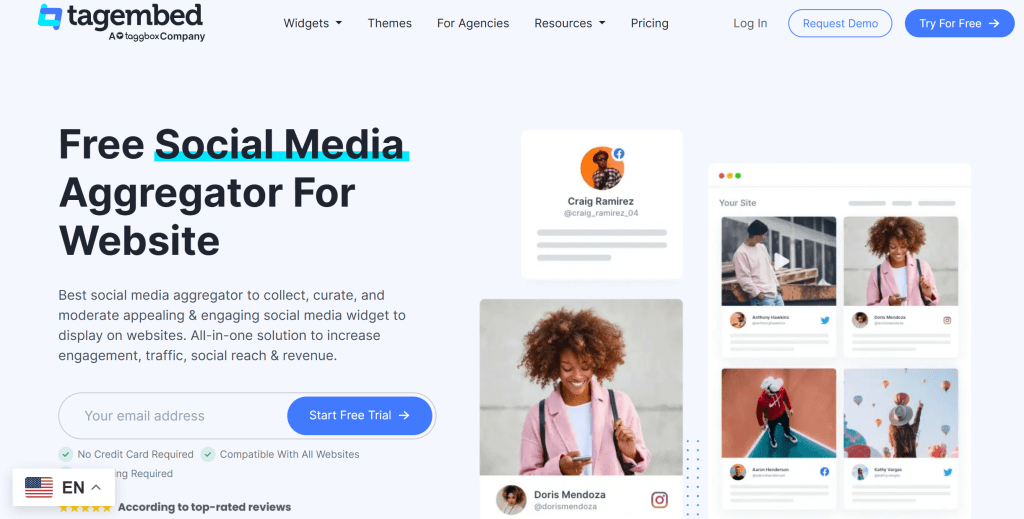
Tagembed is a simple and practical tool for displaying social media feeds on websites. It’s flexible enough for most websites and not overwhelming for smaller teams. I’ve seen it used on ecommerce sites, agency sites, and local business pages without much trouble.
As a social aggregator tool, it balances reach and usability fairly well.
Key features
- Aggregates social feeds and customer reviews
- Custom moderation filters
- Responsive widgets that adapt well to layouts
- Easy integration with common CMS platforms
Where friction shows up
The free plan includes visible branding, and costs scale as you add feeds or widgets.
Best fit
Growing websites that want room to scale without committing to enterprise pricing.
4. Flockler

Flockler feels noticeably more structured than most tools in this space. You don’t get as much visual experimentation, but what you do get feels controlled and intentional. That’s why larger brands tend to gravitate toward it.
For websites, it works best when consistency matters more than spontaneity.
Key features
- Multi-platform aggregation and review feeds
- Shoppable UGC options
- Polished templates built for brand consistency
- Strong moderation workflows
Where friction shows up
Lower-tier plans are limited, and pricing is firmly on the higher end.
Best fit
Enterprise or high-visibility websites where brand control is non-negotiable.
5. Curator
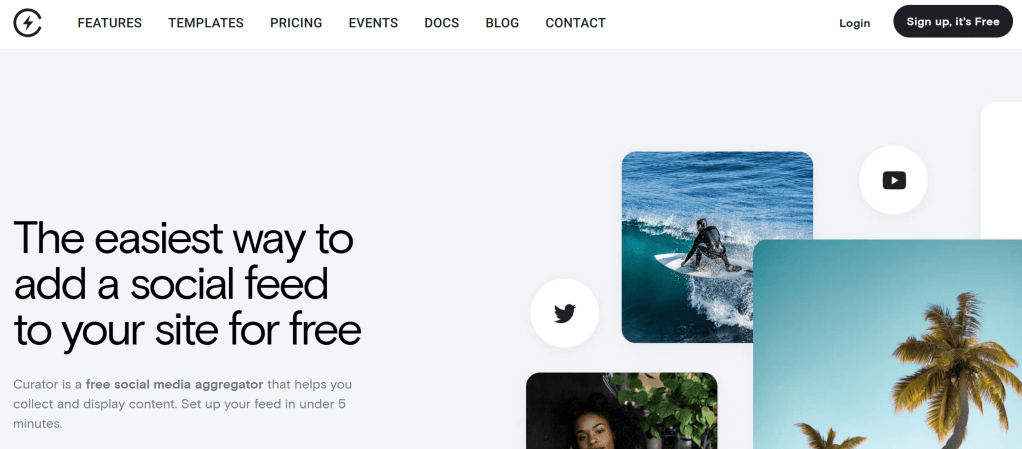
If someone asks me for a safe recommendation without knowing their setup, Curator is usually where I start. It doesn’t try to do too much. And honestly, that’s its strength.
Setup is straightforward. You connect your sources, pick a layout, moderate once, and embed it. From there, it mostly stays out of your way. For websites, that reliability matters more than flashy features.
Key features
- Aggregates Instagram, Facebook, X, TikTok, YouTube, RSS
- Manual and automatic moderation options
- Clean JavaScript embeds that don’t tank page speed
- Multiple layout styles without heavy customization
Where friction shows up
Styling beyond templates can require CSS comfort, and analytics are fairly minimal.
Best fit
Businesses and SaaS websites that want a dependable social media aggregator tool without constant adjustments.
6. EmbedSocial
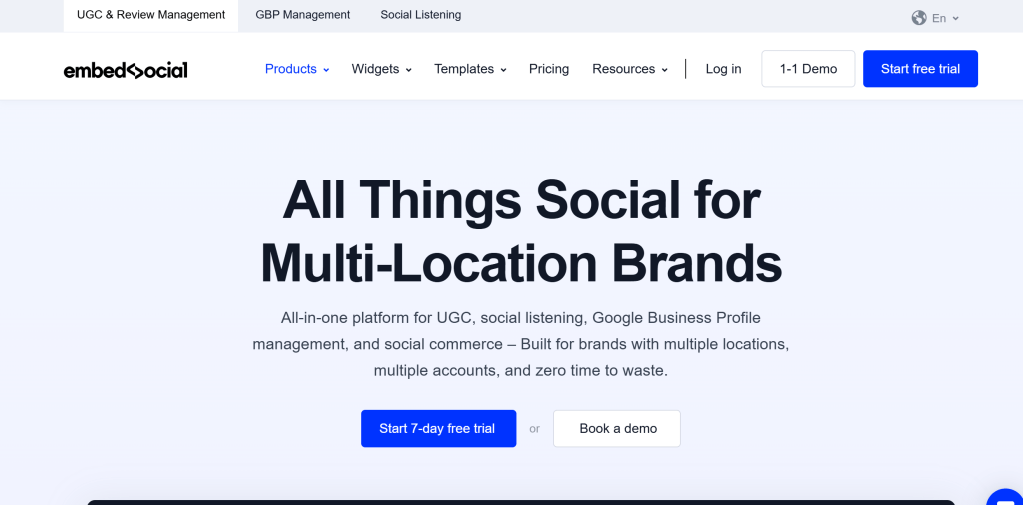
EmbedSocial is less of a single tool and more of a UGC ecosystem. That can be a good thing — or a complicated one — depending on what you need. If your website strategy includes reviews, forms, and social proof in multiple places, this starts to make sense fast.
It’s often mentioned in conversations around social media aggregation tools for performance-focused sites.
Key features
- API-approved integrations with major platforms
- Review management alongside social feeds
- Shoppable UGC and reuse permissions
- Detailed documentation and onboarding resources
7. Juicer

Juicer is often the first social media aggregator tool people try — mostly because it’s fast to launch. You can get a live feed on a website in minutes, which makes it appealing for early-stage brands or temporary pages.
It works, but only up to a point.
Key features
- Simple setup with minimal configuration
- Supports Instagram, X, Facebook, and TikTok
- Basic hashtag aggregation
Where it falls short
The free plan is heavily branded, source limits are tight, and it doesn’t scale well as traffic or expectations grow.
Best fit
Small websites or landing pages that need a basic social aggregator tool without long-term plans.
8. SociableKIT

SociableKIT feels like a utility more than a showcase. It’s rarely the hero of a page, but it works well when social content plays a supporting role — testimonials, mentions, or lightweight validation near CTAs.
Key features
- Large widget library
- Easy CMS integration
- Light-weight embeds that don’t slow pages
Where friction shows up
Design options feel basic on larger or visually driven pages.
Best fit
Service websites and informational pages where subtle proof matters more than visual impact.
Where a Social Media Aggregator Tool Works Best on Websites
Placement matters more than people expect. I’ve seen good tools underperform simply because they were added in the wrong spot.
Homepages
This is where aggregation works fastest. Visitors aren’t ready to read deeply yet. They’re scanning. A live feed helps establish trust before a single paragraph is read.
Product Pages
A strong social media aggregator example here is embedding real customer posts under product specs.
It answers questions before they’re asked:
“Does anyone else use this?”
“Yes — right there.”
Landing Pages
Social feeds near CTAs reduce friction. They don’t distract when curated properly — they reassure.
About & Culture Pages
Aggregation works surprisingly well here. Instead of telling visitors what your brand stands for, you show how people interact with it publicly.
Community or Resource Pages
This is where aggregation can live long-term, especially when paired with moderation or AI social wall tools to filter content as it grows.
Final Thoughts
A social media aggregator tool isn’t about filling space on your website — it’s about showing real activity without constant effort. The right tool keeps pages fresh, builds trust quietly, and fits your site long after launch. Choose something stable, easy to control, and aligned with how your website actually works, not just how the demo looks.
 Social Media Wall
Leave a comment