Embedding an Instagram feed on your website is no longer just about aesthetics—it’s about creating an engaging, trustworthy, and conversion-driven experience. When done right, it can increase user engagement, showcase social proof, and even turn visitors into customers.
But here’s the catch: simply embedding a feed isn’t enough. You need the right strategy.
Let’s break down the 10 best practices that actually make a difference.
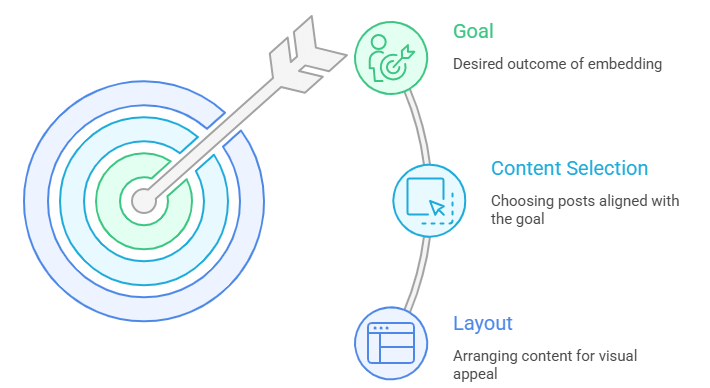
1. Define Your Goal Before Embedding
Before you even add a feed, ask yourself: What do I want from it?
- Brand awareness → Show curated brand posts
- Trust building → Display user-generated content
- Sales → Use a shoppable Instagram feed
Your goal will decide everything—from layout to content selection.
2. Choose the Right Content Source
You can embed:
- Profile feeds
- Hashtag feeds
- Mention feeds
- Tagged content
For example, a hashtag feed is great for campaigns, while tagged posts work well for showcasing customer experiences.
3. Focus on High-Quality Visual Curation
Random feeds don’t convert—curated ones do.
Make sure you:
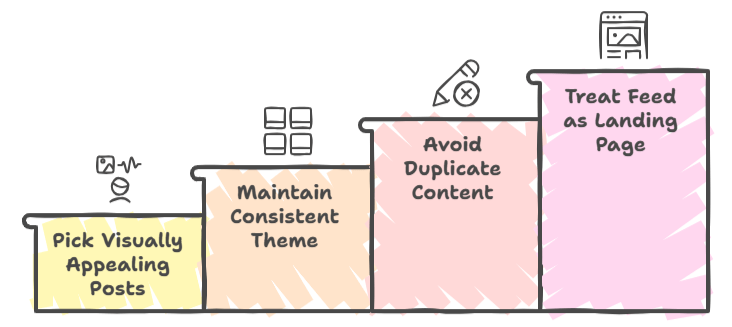
- Pick visually appealing posts
- Maintain a consistent theme
- Avoid duplicate or irrelevant content
Think of your feed as a mini landing page, not just a gallery.
4. Make It Mobile-First (Not Just Responsive)
Most guides say “responsive”—but that’s not enough anymore.
You should:
- Test how your feed feels on mobile
- Ensure smooth scrolling
- Avoid cramped layouts
A bad mobile experience can kill engagement instantly.
5. Optimize for Speed and Performance
Instagram embeds can slow your site if not handled properly.
Best practices:
- Use lazy loading
- Limit the number of posts
- Avoid heavy scripts
A fast-loading feed = better SEO + happier users.
6. Add Strong CTAs to Drive Action
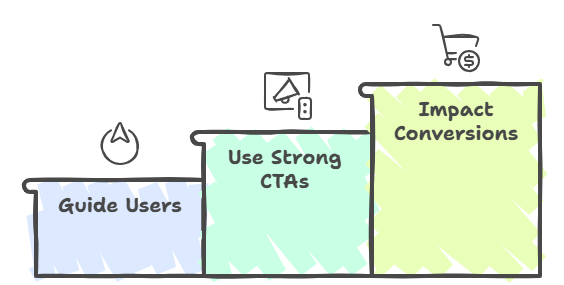
Your feed should guide users, not just impress them.
Use CTAs like:
- “Shop Now”
- “Explore Collection”
- “View Product”
7. Turn Your Feed into a Shopping Experience
This is where things get interesting.
By adding shoppable tags, you can transform your feed into a revenue channel. Users can:
- Tap on products
- View details instantly
- Complete purchases seamlessly
A well-optimized shoppable Instagram stories or posts reduces friction and boosts sales.
8. Match Feed Design with Your Website
A mismatched feed looks… off.
Make sure your embedded feed:
- Aligns with your brand colors
- Matches typography
- Uses consistent spacing
It should feel like a natural extension of your website—not an add-on.
9. Moderate Content for Brand Safety
If you’re using UGC or hashtags, moderation is non-negotiable.
You should:
- Filter out irrelevant content
- Remove low-quality posts
- Highlight brand-safe visuals
This keeps your feed clean and trustworthy.
10. Track Performance and Continuously Optimize
Embedding is not a one-time task.
Track:
- Click-through rates
- Engagement levels
- Conversion performance
Then optimize:
- Layout styles
- Content types
- CTA placements
The more you refine, the better your results.
Why Embed Instagram Feeds on Your Website?
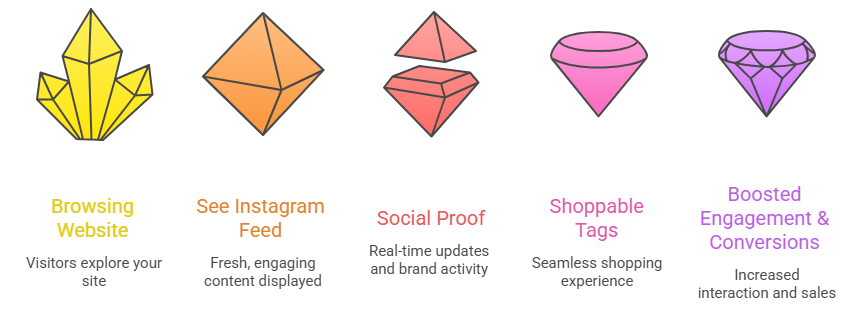
Adding Instagram feeds on a website helps you bring fresh, engaging content directly to your website while building trust with your audience. It allows visitors to see real-time updates, social proof, and brand activity without leaving your site. Plus, when combined with features like a shoppable Instagram, it can turn simple browsing into a seamless shopping experience—ultimately boosting engagement and conversions.
Bonus Tips to Maximize Results
Want to go beyond basics? Try this:
1. Use User-Generated Content (UGC)
People trust people. Featuring real customer content boosts credibility instantly.
2. Embed Feeds on High-Intent Pages
Place your feed on:
- Homepage
- Product pages
- Checkout pages
This increases visibility where it matters most.
3. Keep Content Fresh
An outdated feed signals inactivity. Always show recent posts.
Common Mistakes to Avoid
Even good strategies fail because of these:
- Overloading the feed with too many posts
- Ignoring mobile optimization
- Using low-quality visuals
- Not adding CTAs
- Forgetting to update content
Fix these, and you’re already ahead of most websites.
Final Thoughts
Embedding an Instagram feed is one of the simplest ways to bring social proof, engagement, and commerce together. But the real impact comes from how you implement it.
Focus on:
- Quality over quantity
- Performance over aesthetics
- Strategy over random placement
Do that, and your Instagram feed won’t just look good—it’ll actually drive results.


Leave a comment