Instagram has become a powerful source of social proof, but simply linking your profile is no longer enough. Users expect live, engaging, and dynamic Instagram feeds directly on your website.
This is where WordPress Instagram feed plugins help.
With the right plugin, you can:
- Display real-time Instagram content
- Increase engagement and dwell time
- Build trust using user-generated content (UGC)
- Boost conversions with shoppable feeds
In this guide, we’ve listed the best WordPress Instagram feed plugins based on performance, features, customization, and reliability.
Best WordPress Instagram Feed Plugins
1. Taggbox – Best Overall Instagram Feed Plugin
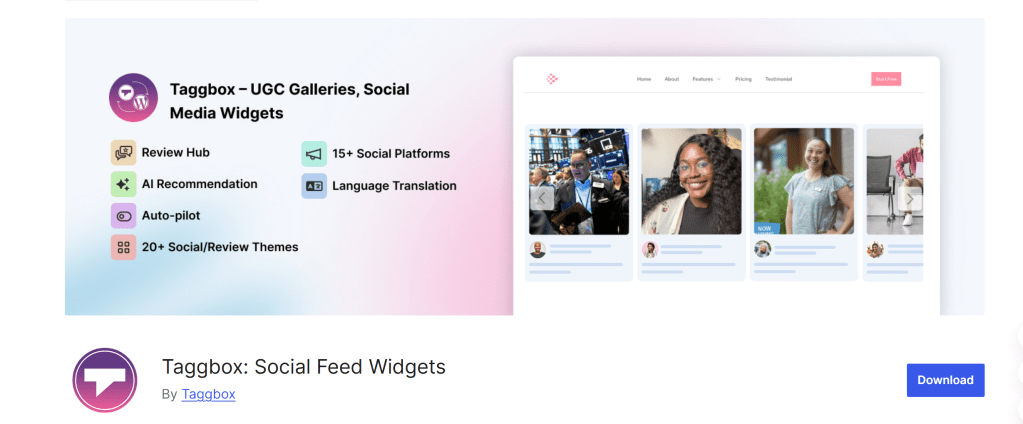
Taggbox is more than just a feed plugin—it’s a complete UGC and social commerce platform designed to boost engagement and conversions.
Key Features:
- Aggregates content via hashtags, mentions, and handles
- AI-powered moderation
- Shoppable Instagram feeds
- Supports Reels and Stories
- Advanced analytics dashboard
Pros:
- Highly customizable
- Built for conversions
- Powerful moderation tools
Cons:
- Slight learning curve
- Premium-focused
Best for: eCommerce brands, agencies, and marketers
2. Smash Balloon Social Photo Feed
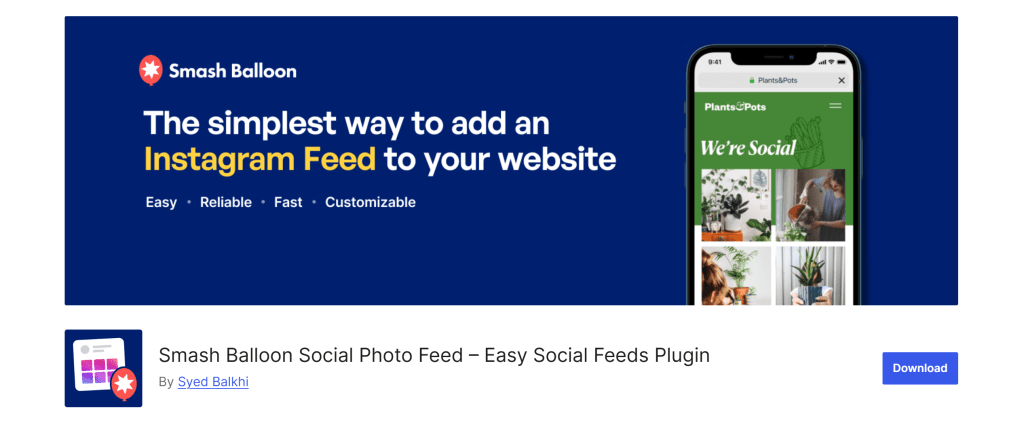
A good plugin known for stability and performance.
Key Features:
- Visual feed customizer
- Multiple layouts (grid, carousel, masonry)
- Smart caching system
- Hashtag and tagged feeds
Pros:
- Beginner-friendly
- Reliable API integration
- High customization
Cons:
- Advanced features require Pro
Best for: All types of WordPress users
3. Spotlight Social Feeds
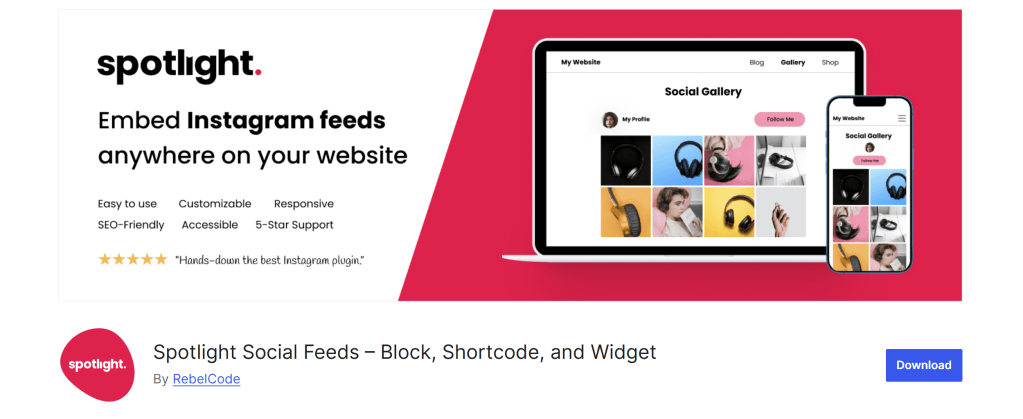
A modern wordpress plugin focused on aesthetics and user experience.
Key Features:
- Drag-and-drop builder
- Responsive layouts
- Gutenberg integration
Pros:
- Clean UI
- Fast performance
Cons:
- Limited free version
Best for: Designers and bloggers
4. Tagembed
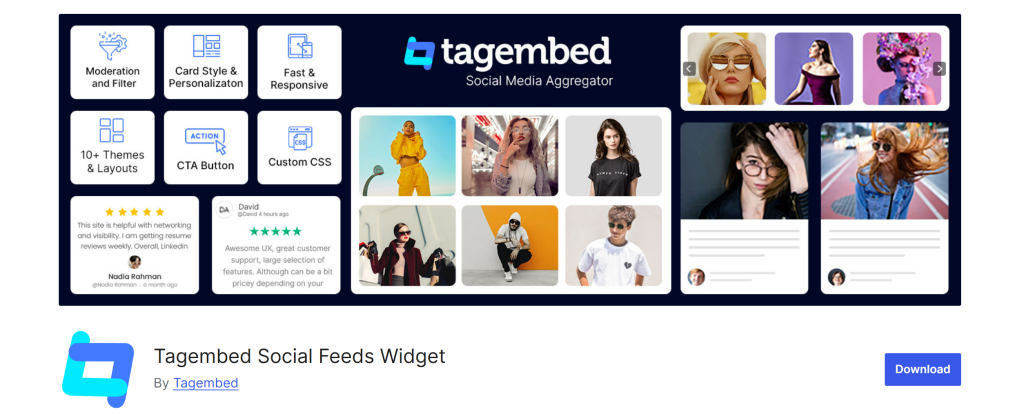
A simple and effective plugin for quick embedding.
Key Features:
- No-code setup
- Custom styling
- Multi-source aggregation
Pros:
- Easy to use
- Beginner-friendly
Cons:
- Limited advanced features
Best for: Small websites and bloggers
5. WPZOOM Social Feed Widget
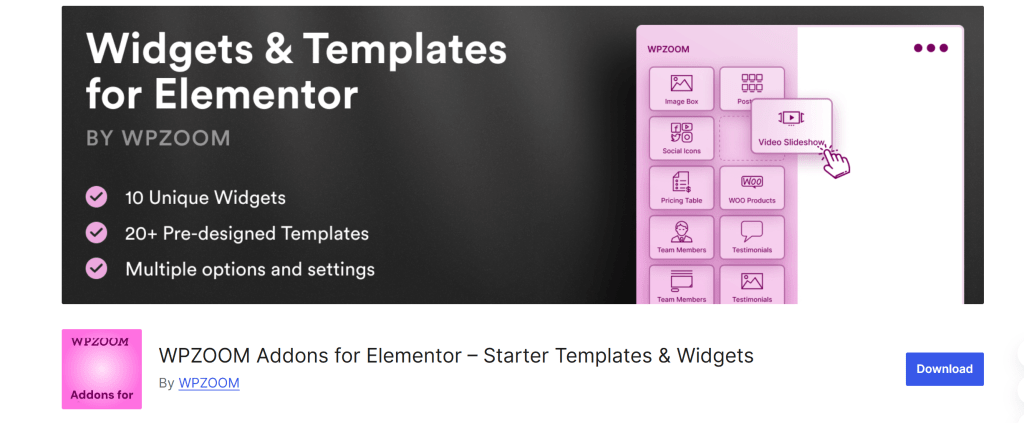
A lightweight plugin designed for speed and simplicity.
Key Features:
- Gutenberg block support
- Responsive grid layout
- Minimal configuration
Pros:
- Fast loading
- Clean interface
Cons:
- Basic functionality
Best for: Performance-focused websites
6. Social Feed Gallery
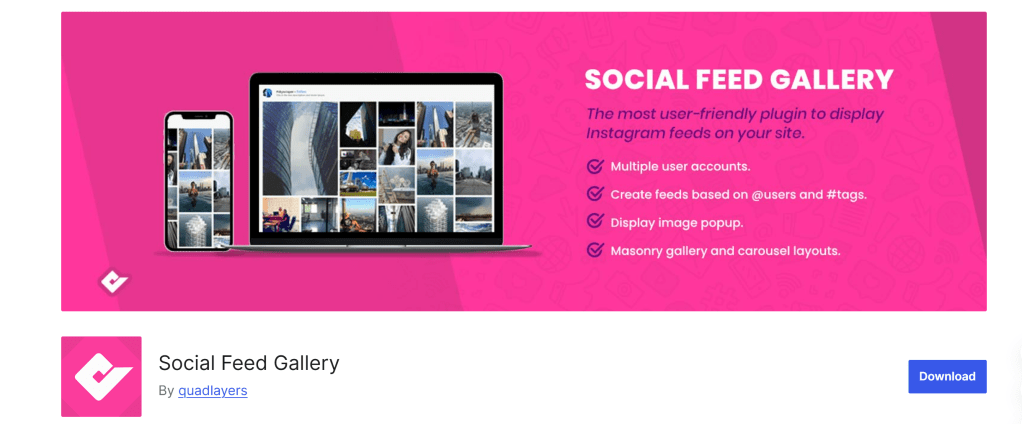
Offers a balance between customization and ease of use.
Key Features:
- Gallery-style layouts
- Multiple display options
- Shortcode support
Pros:
- Flexible design
- Easy setup
Cons:
- Lacks advanced marketing features
Best for: Portfolio and creative websites
7. Feed Them Social
Ideal for displaying feeds from multiple social media platforms.
Key Features:
- Supports Instagram, Facebook, and more
- Custom layouts
- Shortcode integration
Pros:
- Multi-platform support
- Free version available
Cons:
- Outdated interface
Best for: Multi-social websites
8. 10Web Social Photo Feed
A simple plugin for basic Instagram integration.
Key Features:
- Thumbnail and full-size display
- Basic customization
- Easy setup
Pros:
- Affordable
- Beginner-friendly
Cons:
- Limited features
Best for: Small businesses and beginners
Key Features to Look for in an Instagram Feed Plugin
Performance & Speed
- Caching and lazy loading
- Fast page load time
Customization Options
- Layout styles (grid, carousel, masonry)
- Design flexibility
API Reliability
- Stable Instagram integration
- Regular updates
Mobile Responsiveness
- Fully responsive design
- Optimized for all devices
Advanced Capabilities
- Shoppable feeds
- Hashtag aggregation
- UGC curation
📊 Comparison Table
| Plugin | Ease of Use | Customization | Performance | Overall Rating | Best For |
| Taggbox | ⭐⭐⭐⭐⭐ | ⭐⭐⭐⭐⭐ | ⭐⭐⭐⭐⭐ | ⭐⭐⭐⭐⭐ (Best) | eCommerce & UGC |
| Smash Balloon | ⭐⭐⭐⭐ | ⭐⭐⭐⭐ | ⭐⭐⭐⭐⭐ | ⭐⭐⭐⭐ | All users |
| Spotlight | ⭐⭐⭐⭐ | ⭐⭐⭐⭐ | ⭐⭐⭐⭐ | ⭐⭐⭐⭐ | Design |
| Tagembed | ⭐⭐⭐⭐⭐ | ⭐⭐⭐ | ⭐⭐⭐⭐ | ⭐⭐⭐⭐ | Beginners |
| WPZOOM | ⭐⭐⭐⭐ | ⭐⭐ | ⭐⭐⭐⭐ | ⭐⭐⭐⭐ | Performance |
| Social Feed Gallery | ⭐⭐⭐⭐ | ⭐⭐⭐⭐ | ⭐⭐⭐⭐ | ⭐⭐⭐⭐ | Layout flexibility |
| Feed Them Social | ⭐⭐⭐ | ⭐⭐⭐ | ⭐⭐⭐ | ⭐⭐⭐ | Multi-platform |
| 10Web | ⭐⭐⭐⭐ | ⭐⭐ | ⭐⭐⭐ | ⭐⭐⭐ | Budget |
Benefits of Using Instagram Feed Plugins
Increase Engagement
Dynamic feeds keep users interacting longer.
Build Social Proof
UGC enhances credibility and trust.
Boost Conversions
Shoppable feeds drive direct purchases.
Keep Website Fresh
Auto-updating content improves SEO signals.
Common Mistakes to Avoid
- Choosing plugins without caching
- Ignoring mobile optimization
- Overloading pages with feeds
- Not moderating user-generated content
- Using unreliable plugins
Frequently Asked Questions
What is the best WordPress Instagram feed plugin?
Taggbox is the best for marketing and conversions, while Smash Balloon is the most reliable overall plugin.
Are Instagram feed plugins free?
Most plugins offer free versions, but advanced features are available in premium plans.
Do Instagram plugins affect website speed?
Optimized plugins with caching do not slow down your site.
Can I display hashtag-based feeds?
Yes, many plugins support hashtag and mention-based feeds.
Are Instagram plugins safe to use?
Yes, if they use the official Instagram API and are regularly updated.
Final Verdict
Choosing the right plugin depends on your needs, but:
- Taggbox is the best for conversions, UGC, and advanced marketing
If your goal is higher engagement, better SEO, and increased conversions, investing in the right Instagram feed plugin is essential.


Leave a comment